In the Event Admin click on the Registration icon

Once you click the Registration icon, you will taken to the registered attendees screen. Here you will click on “Register”
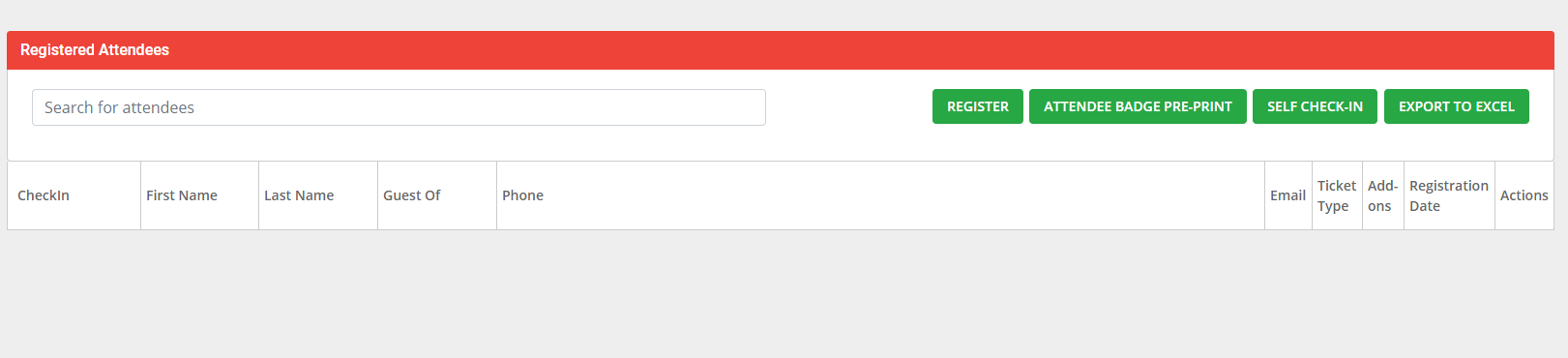
The Registration Pop Up will appear. If your attendee is a current member, you can search them for in the Search bar. If they are not a current member you can add the attendees information under Registrant Information.
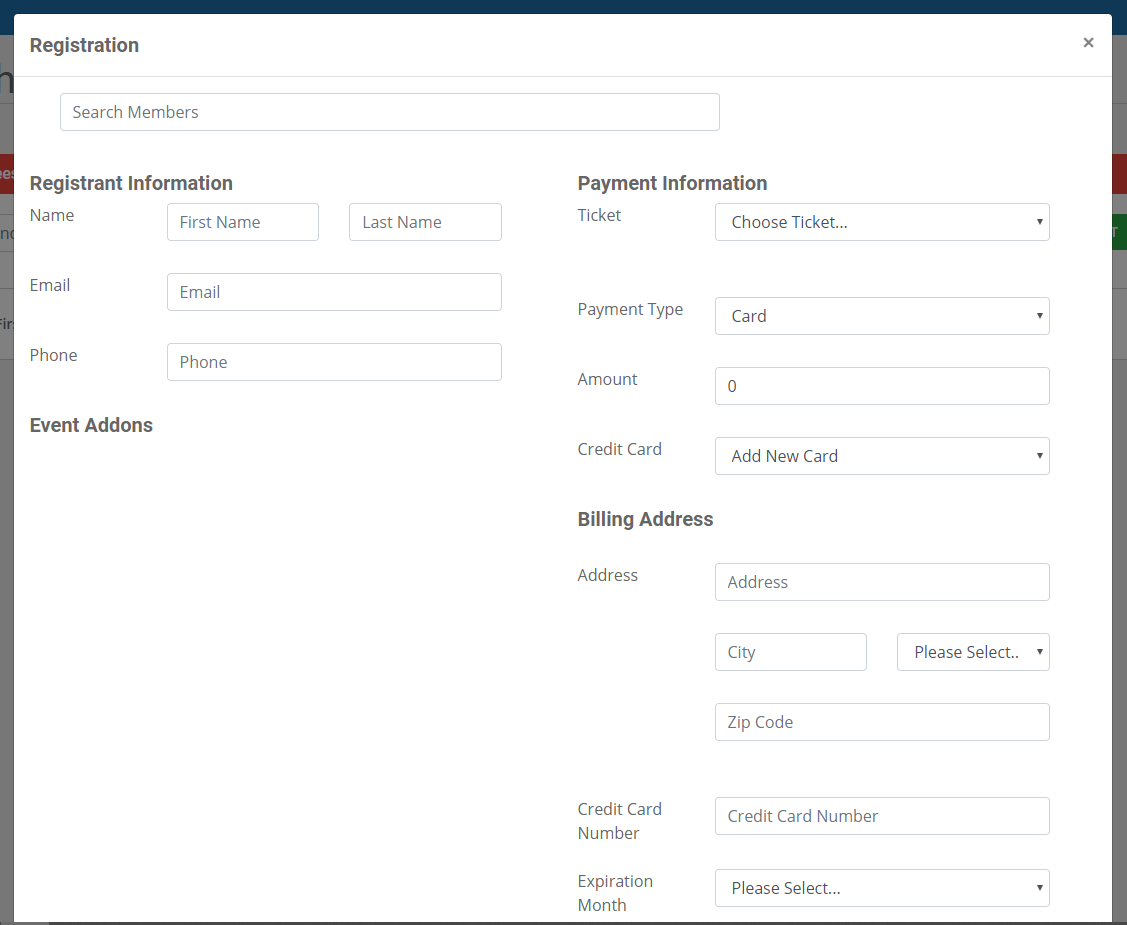
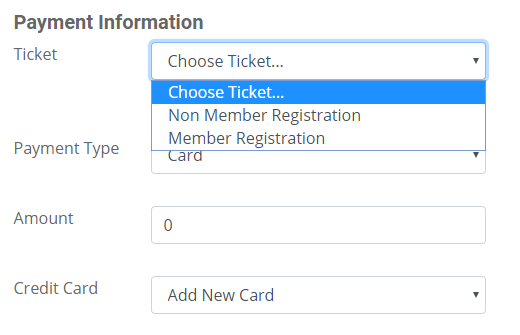
Select the appropriate ticket
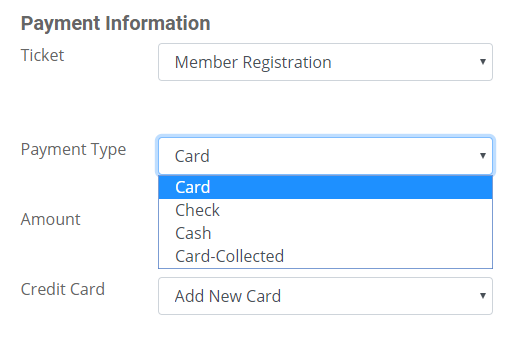
Payment Type: Card, Check, Cash or Card-Collected (Card-collected means you processed the card outside of the Memberflow system i.e. Square, Virtual Terminal, Paypal etc.)
If you are processing a Card, you will have the option to select to Add New Card or use a card that they stored in their profile.
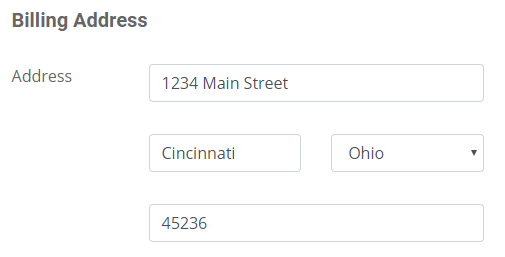
If the card has a different Billing Address than what in stored in the membership profile, you can update it here, this will not change the address within the profile.
At the bottom the Registration window, if you are registering an attendee at an event you have the option to Check them in. If not, do not touch the toggle and hit “Register”

0 Comments