To add a new membership you must click “Memberships” from the Side menu
On the Membership Admin page you will see a list of all your membership accounts. To add a new one, click “Add Member”
Enter the Member‘s info into the appropriate fields. 
Now set up the User of the membership account at the bottom of the form. Select whether you would like to use the Contact’s Name and Email that you entered above or if you would like to enter new information. The password must be a minimum of 6 characters and must contain at least 1 uppercase, 1 lowercase, 1 number, and 1 special character.
HD Rep Email (This feature is only available to NREIA Chapters) an automatic email is sent to the Home Depot Team to enroll your member in the ProXtra program. If you do not wish to send the email, switch the toggle off.
Select the plan that is appropriate for your new member. If you are processing dues, enter the payment information and hit “Save”
A pop-up window will inform you if you were successful in creating your new membership. 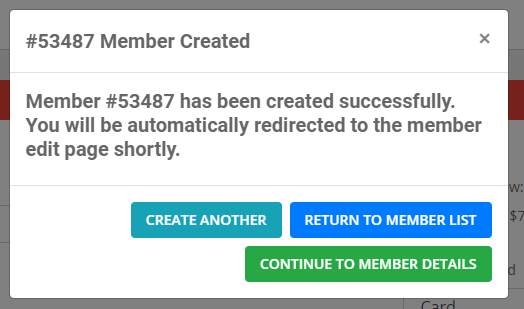
0 Comments